
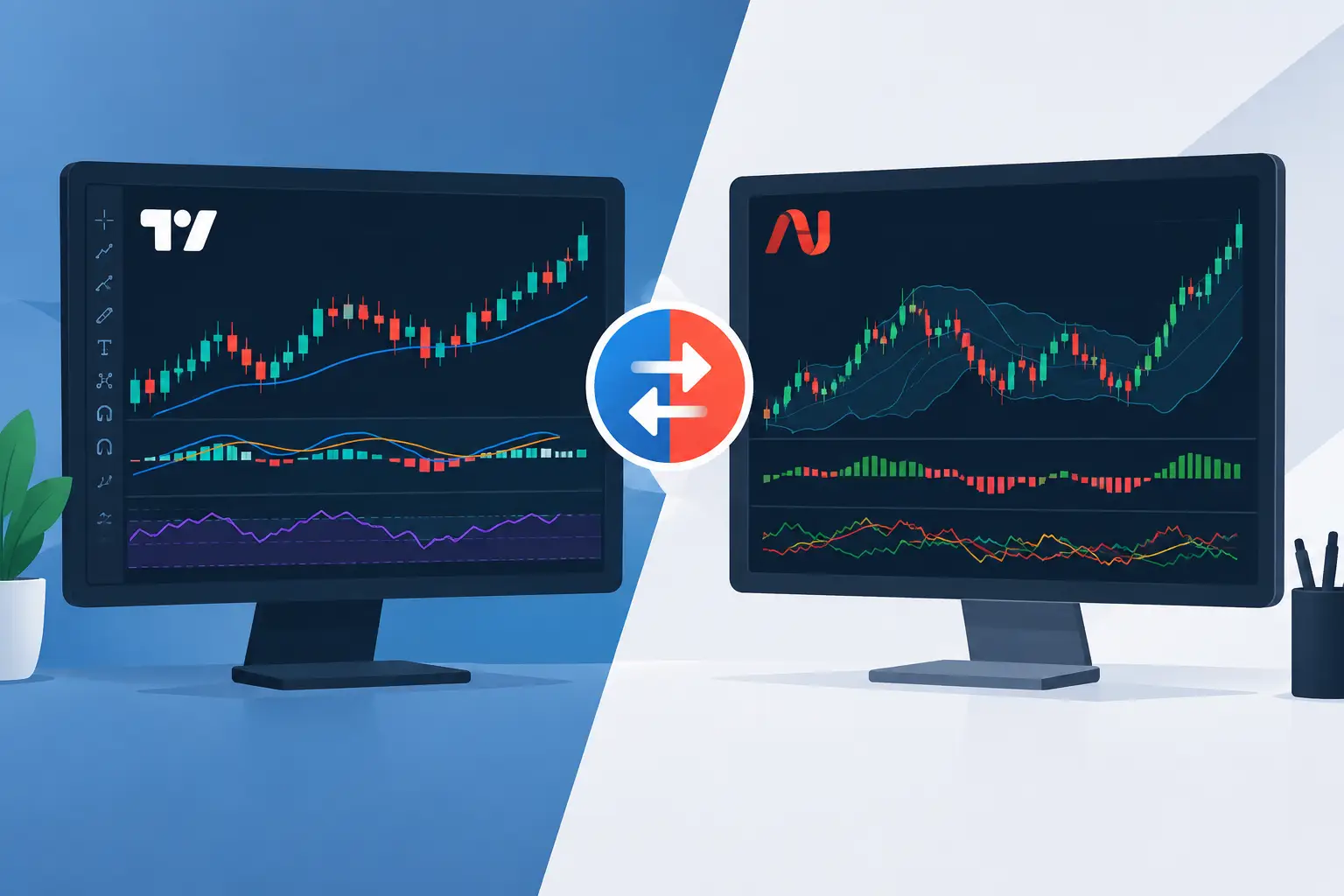
A futures trader can have a clean TradingView chart, a powerful NinjaTrader workspace, and still take the same low-quality trade three times before lunch. That is the real issue in the TradingView versus NinjaTrader indicators conversation. The platform matters, but the operating model matters more.
If your indicators create more opinions than decisions, they are not helping you trade. They are adding noise. The job is to locate value, confirm participation, design the trade, and protect the account. Choose the platform and tools that best support that job.
TradingView Versus NinjaTrader Indicators: The Real Difference
TradingView is built for visibility. NinjaTrader is built for execution depth. Both can support serious futures trading, but they tend to excel at different points in the decision process.
TradingView gives traders an efficient, visually clean environment for marking higher-timeframe structure. It is especially useful for seeing the auction from a distance: major value zones, prior-session references, range boundaries, trend context, and where price is returning to a meaningful location. For many traders, it is the fastest way to organize the market before the open and maintain a clear directional framework during the session.
NinjaTrader 8 is where many active futures traders want more granularity. Its strength is the depth of the execution environment and the ability to work closer to real-time market activity. Traders who use depth of market information, volume-based tools, order-flow views, and detailed execution management often prefer it when the market is moving fast and every tick matters.
That does not make one platform superior in every situation. It means a trader should stop asking which platform has the most indicators and start asking which platform makes the next decision clearer.
A Charting Tool Is Not an Execution Model
Most indicator comparisons miss this point. They compare features: alerts, drawing tools, custom scripts, bar types, visual design, or the number of studies available. Those details matter, but they do not create an edge by themselves.
A trader can stack moving averages, oscillators, volume profiles, pivots, trend bands, and signal arrows on either platform. The result is usually a crowded chart and a delayed decision. One tool says buy, another says overbought, a third says trend continuation, and price is sitting in the middle of nowhere.
Context before entry.
The better question is whether an indicator tells you where you are in the auction and whether conditions support action there. A useful tool should answer practical questions: Is price trading into higher-timeframe value or away from it? Is participation expanding or drying up? Is there enough structure to define risk? Is this an entry location, a management location, or a place to do nothing?
When an indicator cannot help answer those questions, it may be visually interesting, but it is not a decision-support tool.
Where TradingView Indicators Tend to Fit Best
TradingView indicators are often strongest when your priority is structure, planning, and chart clarity. Its interface makes it easier to maintain a broad view across timeframes without turning analysis into a technical project.
For a futures trader, that can mean mapping the overnight range, identifying prior-day auction references, tracking developing highs and lows, and watching how Nasdaq futures behave as they test a larger value area. The advantage is not simply that the chart looks good. The advantage is that the market narrative is easier to see.
TradingView also works well for traders who want their planning process to remain consistent away from the execution desk. You can review the same major locations before the session, during the session, and after the session without rebuilding the chart every time.
The trade-off is that a clean structural chart cannot replace confirmation. A zone is a location, not an automatic entry. Price can reject a level, accept through it, or chop around it while both buyers and sellers get punished. You still need evidence of participation and a defined invalidation point.
Where NinjaTrader Indicators Tend to Fit Best
NinjaTrader indicators tend to make more sense when you need to assess what is happening at the level in real time. Active scalpers and intraday futures traders often need more than a marked zone. They need to know whether initiative activity is showing up, whether momentum is holding, and whether the trade can be managed with precision.
This is where order flow and execution-oriented tools can earn their place. They can help a trader see whether a level is being defended, whether the auction is accelerating, or whether an apparent breakout lacks the participation needed to continue.
But more data is not automatically better data. Order flow without higher-timeframe location can tempt traders into chasing every burst of activity. A strong print in the middle of a range is still activity in the middle of a range. It may offer a scalp for an experienced operator, but it is not the same quality as participation appearing at a planned value zone.
NinjaTrader is most effective when the trader already knows what matters before the market reaches it. Then the tools can help qualify the trade and manage it, rather than invent a reason to enter.
Build One Workflow Across Both Platforms
The cleanest approach is not to force TradingView to behave like NinjaTrader or vice versa. It is to use each platform according to its role in your process.
Start with location. Mark the higher-timeframe areas where the auction has unfinished business: value zones, key highs and lows, prior acceptance areas, and liquidity references. This is where TradingView can be especially effective because it keeps the larger auction visible.
Then wait for participation. Once price reaches a planned location, assess whether the market is rejecting, accepting, or building energy for continuation. This is where NinjaTrader can provide useful detail for traders who execute directly from that environment.
Next, design the trade before clicking. Define the entry trigger, the stop location, the first objective, and what must happen for you to scale or exit. If you cannot define where the idea is wrong, you do not have a trade. You have a hope.
Finally, manage risk as part of the system, not as an afterthought. The market does not care how good a setup looked on the screenshot. A small, controlled loss is proper execution when the premise fails. Protecting the account keeps you available for the next high-quality auction.
First Light Beacon is designed around this unified logic: map value, read participation, structure execution, and maintain account protection across TradingView and NinjaTrader 8. The point is not to collect signals. The point is to reduce guesswork when real money is at risk.
Which Platform Should You Choose?
Choose TradingView if your biggest weakness is losing the larger market picture, cluttering charts, or entering without a clear location. It can help you organize the auction and trade with more intention.
Choose NinjaTrader if your process is already location-based and you need closer control over execution, order-flow context, and live trade management. It is particularly relevant for traders who are active enough that execution quality materially affects results.
Use both if you can clearly explain each platform's job. One can serve as the planning and structural map. The other can serve as the execution and participation workspace. That arrangement only works if the rules are shared. Different charts should not produce different trade plans.
Do not choose a platform because another trader posts impressive screenshots from it. Choose the environment that helps you stay patient at poor locations, decisive at quality locations, and disciplined after entry.
Your edge is not hidden inside a platform menu. It is built when you see value clearly, wait for the market to confirm your idea, and risk only what the account can afford to lose. Trade with intention, and let the tools support the process instead of replacing it.